
At a glance
- 01
Revoke a fob, not locks
When someone leaves, delete their credential instead of rekeying doors.
- 02
Levels and schedules
Set which doors each person opens, and at what times of day.
- 03
SMARTair wireless
Battery-powered electronic locks for doors where running cable is impractical.
- 04
Locksmiths, not just installers
The door, latch and closer have to work too, and that’s our trade.
With keys, a lost key means rekeying. With an access control system, a lost fob means deleting one credential. That single difference is why so many businesses, property managers and institutions move their main doors to fobs or cards. We install and look after access control across Kitchener, Waterloo and Cambridge, and because we’re locksmiths first, we make sure the door itself works as well as the electronics.
The parts of a system
- Credentials: key fobs, cards or, on some systems, a phone. Each one is tied to a person.
- Readers: at the door, they read the credential and pass it along for a decision.
- The decision: software or a controller that knows who is allowed through which door and when.
- Locking hardware: an electric strike, an electrified lockset or exit device, or a self-contained electronic lock that releases when access is granted.
Adding and removing access
This is the day-to-day benefit. A new hire gets a fob programmed with the doors they need. A contractor gets one that works for the week of the job and then stops. When someone leaves without returning their fob, or loses it in a parking lot, it is removed from the system and becomes useless. No cylinders change, nobody else’s key is affected, and many systems keep a record of which credential opened which door.
Access levels and times
Most systems let you build groups. Office staff open the front entrance and their suite. Warehouse staff open the shipping doors and the lunchroom. Cleaners open common areas from 6 pm to 10 pm, and their fobs do nothing at 3 am. The front entrance can unlock itself during business hours and lock itself at close. Setting these up thoughtfully at the start saves a lot of one-off requests later.
Planning a system
Before choosing hardware, it helps to answer a few questions. Which doors need control now, and which might later? Who will manage the system day to day: an office manager, a property manager, or a head office somewhere else? Do you need a record of entries for insurance or compliance? Are there doors where running cable is out of the question? The answers decide between a wired system, a wireless one, or a mix, and they keep the first phase from boxing in the second.
SMARTair wireless access
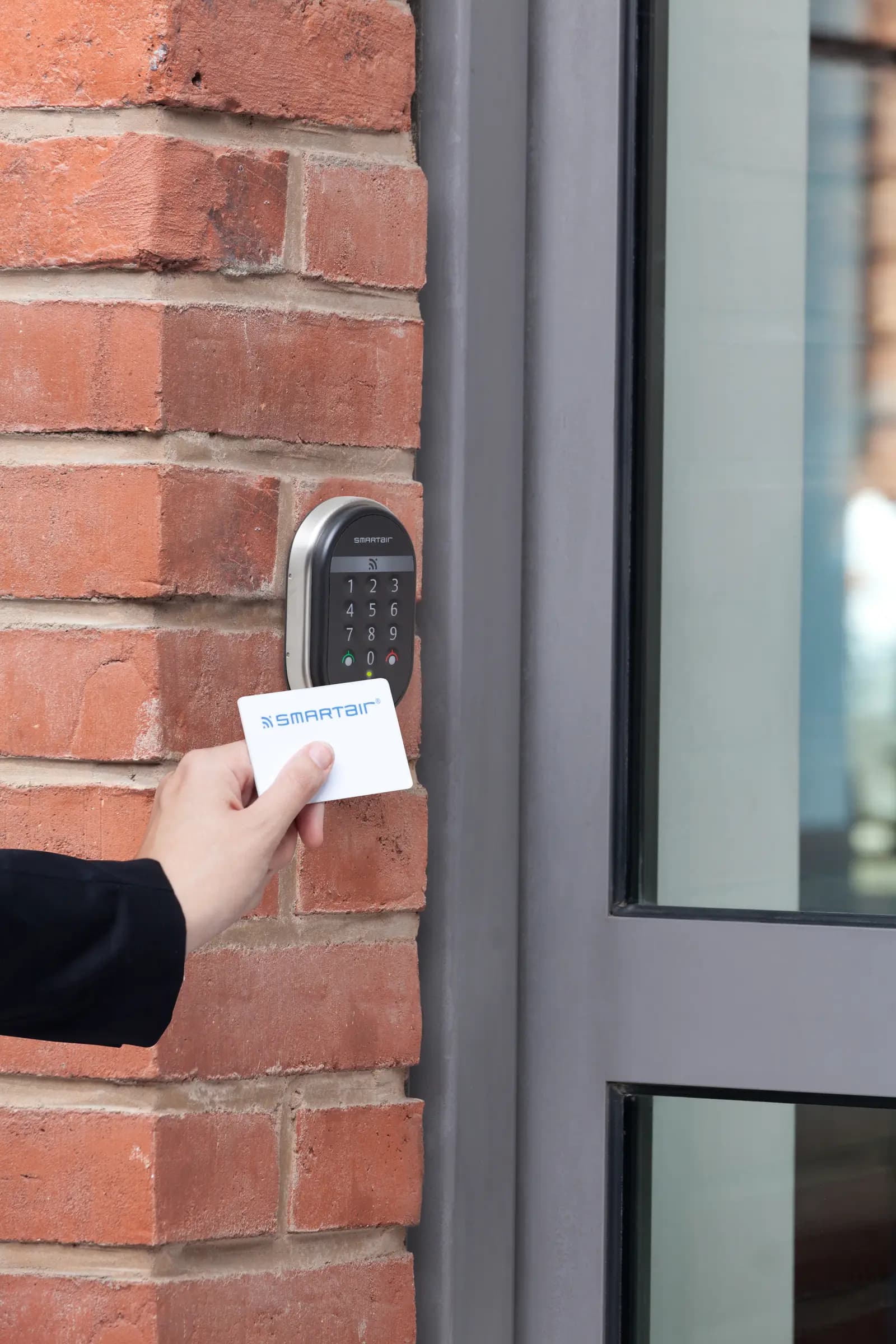
Running cable to every door is often the most expensive and disruptive part of access control, especially in finished offices or older masonry buildings. SMARTair, from dormakaba, solves much of that with battery-powered electronic locks and wall readers that mount on the door or beside it. They suit interior offices, storage rooms and multi-tenant buildings where a fully wired system would mean opening walls and ceilings. We install SMARTair readers and locks and set up the access rules to match how you use the building.
Power, exits and safety
Electrified hardware has to behave sensibly when the power goes out. Some hardware is fail-safe, unlocking without power; some is fail-secure, staying locked. Which one belongs on a door depends on whether it is an exit route, what the fire alarm needs to do, and what the building code and fire officials expect. Free egress matters too: people must be able to leave without a fob. We plan each door with those questions in mind.
The door still has to latch
A fob reader is wasted on a door that doesn’t close. Worn closers, sagging hinges and misaligned strikes are the most common reason an access-controlled door sits unlocked. We look after the commercial door hardware side as part of the job, and we keep a mechanical key override, often on your master key system, for the times you need it.
“Cote Lock has unlocked my heart! I use to hate dealing with locksmiths and security companies for my lock and access control needs as they were always impersonal and arrogant until now. Cote Lock has been a great asset to fulfil these requirements, whether it’s needed next week or immediately they are always there to help.” (Bryan Reichard, Hoerbiger Finestamping)
For a single office door or a small shop, a keypad lock may be enough. For more doors and more people, send us your layout for a quote or call 519-894-7055.
Questions people ask
What happens when someone loses a fob?
Their credential is removed from the system and a new one is issued. The lost fob stops working, and nothing changes for anyone else.
Can we keep our existing doors and hardware?
Usually. An electric strike can often be added to an existing frame, and wireless locks such as SMARTair replace the lockset on the door. Doors in poor shape, or with hardware that can’t be electrified, may need some work first.
Fobs or cards?
Both do the same job. Fobs stay on a key ring and survive pockets better; cards can double as photo ID. Many systems accept either, so you can mix them.
What happens in a power failure?
That depends on the hardware chosen for each door. Fail-safe hardware unlocks without power and fail-secure hardware stays locked, while battery-powered wireless locks keep working. Exits always have to let people out.
Can we see who used a door?
Many access control systems keep an event log showing which credential was used at which door and when. Ask about it when we plan your system, since the feature varies.